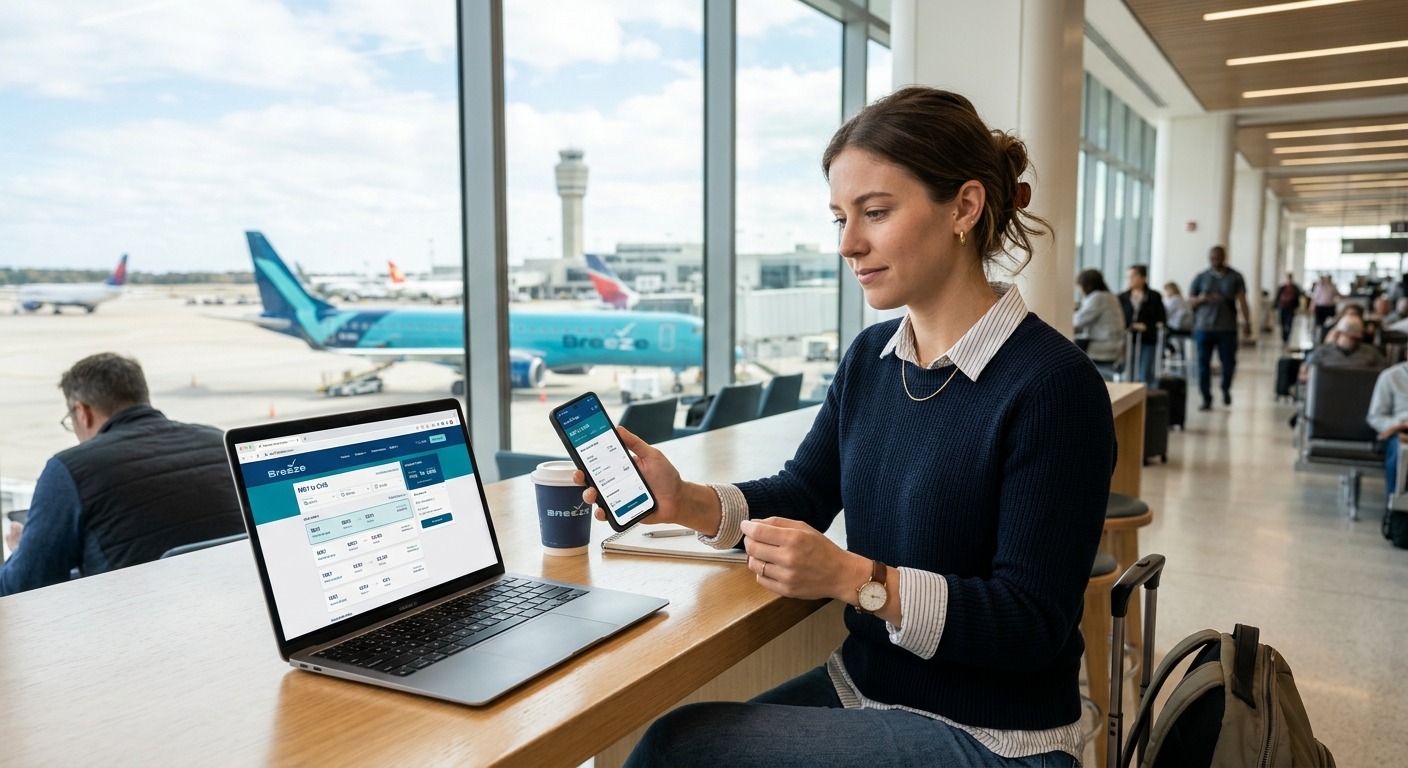
Breeze Airways Reservations: Booking, Changes and Fees
Booking a Breeze Airways reservation means searching flights at flybreeze.com or the Breeze app, choosing between No Flex, Nice, Nicer, or Nicest bundles, and paying for bags or seats separately if needed. Manage your trip anytime in “My Trips,” and contact Breeze by text at (501) 273-3931 for the fastest response. Information verified October 2026.
The ultra-low-cost airline Breeze Airways has built a loyal following by connecting secondary cities that other carriers skip often at fares well under $100 one-way. But because Breeze unbundles nearly everything beyond your seat, understanding exactly how reservations, bundles, and fees work can save you real money (or an unpleasant surprise at the gate).
How Do You Make a Breeze Airways Reservation?
To book a Breeze Airways reservation, visit flybreeze.com or open the Breeze app, enter your departure and destination cities, select travel dates, and choose a fare bundle. You’ll add passenger details, pick optional seats and bags, then pay by card or BreezePoints before confirming your booking.
Getting Started: Account vs. Guest Checkout
You don’t need an account to book, but creating a free Breezy Rewards® account lets you earn BreezePoints on every purchase, save traveler information for faster future bookings, and access your trips without re-entering your confirmation number each time.
Step-by-Step Booking Process
- Search your route Enter departure and destination airports, select one-way or roundtrip, and choose your dates (flexible date search is available).
- Compare flight options Review departure times and pricing across available flights for your selected dates.
- Choose your bundle Pick No Flex Fare, Nice, Nicer, or Nicest (details below).
- Add passengers Enter traveler names exactly as they appear on government-issued ID.
- Select seats and add-ons Choose seating, extra bags, or other optional services.
- Pay and confirm Complete payment by card or BreezePoints, then save your confirmation number.
What’s the Difference Between Breeze Airways’ Fare Bundles?
Breeze Airways offers four fare bundles No Flex Fare, Nice, Nicer, and Nicest that bundle different combinations of bags, seats, boarding priority, and BreezePoints earning rates. Higher bundles cost more upfront but include perks like free checked bags and no change fees, which can offset à la carte pricing.
|
Bundle |
Included Baggage |
Boarding |
BreezePoints |
Change/Cancel Fees |
|
No Flex Fare |
Personal item only |
Standard |
1X per dollar |
Fare rules apply; less credit on cancellation |
|
Nice |
Personal item (carry-on per official site*) |
Zone 2 |
2X per dollar |
No change/cancellation fees |
|
Nicer |
Personal item + carry-on + 1 checked bag |
Zone 1 |
5X per dollar |
No change/cancellation fees |
|
Nicest |
Personal item + carry-on + 2 checked bags, free WiFi, snacks/drinks |
BreezeBy (first) |
5X per dollar |
No change/cancellation fees |
*According to Breeze Airways’ official Bundles page, the Nice fare includes one carry-on bag in addition to a personal item. However, some third-party sources report Nice as personal-item-only, with carry-ons priced separately. Because fare inclusions can shift by route and over time, confirm exactly what’s included on the fare selection screen before you book.
Decision criteria: Choose No Flex Fare if you’re highly price-sensitive and traveling light. Choose Nicer if you’ll check one bag and want to skip change fees. Choose Nicest if you want a first-class-style experience (the Breeze Ascent seat) without buying a separate premium ticket.
How Do You Manage an Existing Breeze Airways Reservation?
You manage a Breeze Airways reservation through the “My Trips” portal on flybreeze.com or the Breeze app by entering your last name and confirmation number (or logging into your Breezy Rewards account). From there, you can view your itinerary, change flights, add bags, or update seat selections.
What You Can Change in My Trips
- View and download your booking confirmation
- Modify passenger details (within limits)
- Add or change seats and baggage
- Apply BreezePoints or travel credit toward changes
- Rebook to a different flight or date (subject to fare difference)
Cancellation and Refund Rules
According to Breeze Airways’ support documentation, all changes and cancellations must be made more than one hour before your flight’s scheduled departure. Beyond that cutoff, the reservation locks.
Refund eligibility depends on timing:
- Within 24 hours of booking, if your flight is at least 7 days away, you can cancel for a full refund to your original payment method.
- Outside the 24-hour window, Nice and Nicer fares are typically refunded as BreezePoints rather than cash, while Nicest can be canceled for a refund to your original payment method up to 15 minutes before departure.
- If Breeze cancels or significantly changes your flight, U.S. Department of Transportation rules entitle you to a cash refund regardless of fare type, if you decline rebooking or a credit offer.
Example scenario: Say you book a $120 Nice fare on Monday and realize Wednesday you need to cancel. Since you’re past the 24-hour window, you’d typically receive BreezePoints rather than a cash refund unless Breeze itself cancels or significantly reschedules the flight, in which case DOT rules allow you to request cash instead.
How Do You Check Breeze Airways Flight Status?
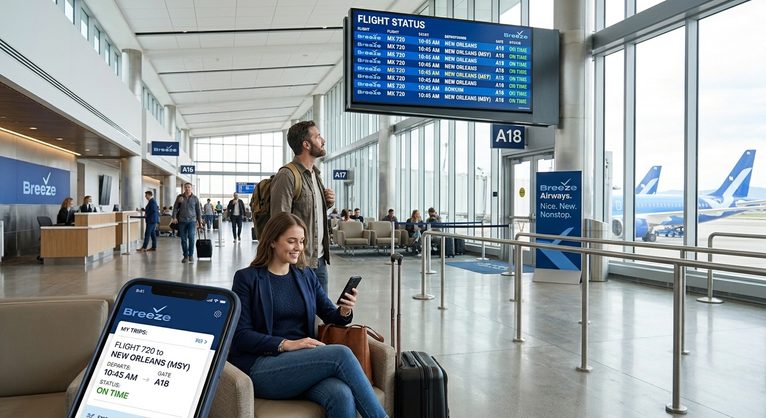
You can check Breeze Airways flight status at flybreeze.com/flight-status by searching either your route and date or your specific flight number. The tool shows real-time updates on delays, gate changes, or cancellations so you can plan your airport arrival accordingly.
If your flight is cancelled or significantly delayed, Breeze will typically notify you by text or email (if you’re a text-first customer, this is often the fastest channel) and offer rebooking options. Per DOT rules, you’re entitled to request a cash refund instead of rebooking if the cancellation or schedule change is significant enough.
How Do You Check In for a Breeze Airways Flight?
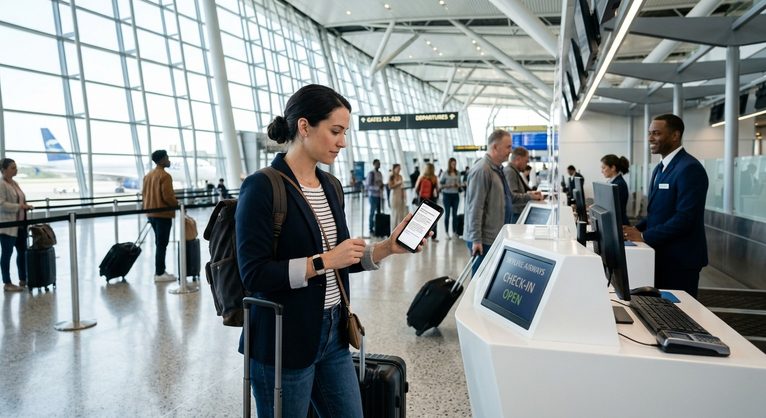
Online check-in for Breeze Airways opens 24 hours before departure through the website or app, and airport check-in desks typically open two hours before departure. Even travelers who check in online may still need to visit the counter for document or baggage verification before boarding.
Check-In Options Compared
|
Method |
When Available |
Best For |
|
Online (flybreeze.com) |
24 hours before departure |
Travelers with no bags to check |
|
Mobile app |
24 hours before departure |
Fastest, boarding pass on phone |
|
Airport counter |
~2 hours before departure |
Checked bags, ID verification, name corrections |
What Are Breeze Airways’ Actual Baggage Fees?
Breeze Airways’ bag prices are dynamic and shown after you enter your route and travel date, but fixed penalty fees apply across all fares: bags added by an airport or Guest Empowerment Team Member cost $75 per bag, and overweight or oversized bags cost an additional $75 on top of the original bag price.
Confirmed Baggage Rules
- Weight/size limit: Bags over 99 pounds or exceeding 80 linear inches (length + width + height) are not accepted at all.
- Airport add-on fee: $75 per bag if added by airport staff or the Guest Empowerment Team, rather than online in advance.
- Overweight/oversize penalty: $75 added on top of the standard bag price.
- Dynamic online pricing: Advance bag prices vary by route and booking time check My Trips or the fare screen for your specific cost.
Calculated example (hypothetical): If you forget to add a checked bag online and bring one to the airport, you’d pay the $75 airport add-on fee. If that same bag is also overweight, add another $75 bringing your total to $150 for one bag, compared to a typically lower advance online rate. This is why booking bags during checkout, rather than at the airport, is almost always the cheaper route.
What Is the Breeze Airways App Used For?
The Breeze Airways app lets travelers search and book flights, manage existing reservations through My Trips, check in, view real-time flight status, and access boarding passes on a mobile device. It mirrors most functions available on flybreeze.com, making it a convenient option for check-in within the 24-hour window.
Breeze is also described by Elliott Advocacy as a “text-first” airline, meaning many customer service interactions happen via text message rather than phone, which the app and SMS channel both support.
What Is the Breeze Airways Reservations Phone Number?
According to Elliott Advocacy’s company contacts page (updated May 29, 2026), Breeze Airways can be reached by phone or text at (501) 273-3931. Voice calls are available daily from approximately 4 a.m. to 11 p.m. Eastern, while texting typically connects you with an agent faster. Always verify current contact details at flybreeze.com/support before relying on this number.
Tips for a Smoother Breeze Airways Experience
- Book during off-peak search windows when fares are more likely to be discounted Breeze’s featured deals rotate frequently.
- Add bags and seats at checkout, not the airport, to avoid the $75 add-on fee.
- Read the fare rules for your specific bundle before booking, especially given the Nice-fare carry-on discrepancy noted above.
- Save your confirmation number and last name together; you’ll need both for My Trips, check-in, and phone support if you haven’t created an account.
- Consider Nicest if flexibility matters most, since it allows cancellation for cash refund up to 15 minutes before departure.
Frequently Asked Questions
Does Breeze Airways have interline agreements with other airlines?
No. According to Elliott Advocacy, Breeze has no interline agreements with most airlines, meaning if your Breeze flight is cancelled, the airline generally cannot rebook you on another carrier’s flight.
What happens if I need a name correction on my reservation?
Breeze’s support site lists “Name Corrections and Changes” as a distinct Booking & Reservations topic separate from general flight changes contact support directly, since fees and eligibility aren’t published and vary by situation.
Can pets fly with Breeze Airways reservations?
Pet carriers are treated as personal items and must be soft-sided and fit under the seat in front of you, per third-party carrier guidance confirm pet policy specifics directly with Breeze before booking.
What’s the maximum carry-on size for Breeze Airways?
Reported carry-on limits are 22 x 14 x 19 inches including wheels and handles, up to 35 pounds, though you should verify current dimensions on the fare screen since baggage rules can change.
Is BreezePoints redemption the same as a cash refund?
No. BreezePoints is Breeze’s loyalty currency and can be applied toward future flights, seat upgrades, or services, but it is not interchangeable with cash and isn’t the same as a refund to your original payment method.
How long do BreezePoints stay valid?
BreezePoints can be used for up to 24 months after your last account activity, according to Breeze’s official site.
What if Breeze cancels my flight outright?
Per DOT rules cited by Elliott Advocacy, you’re entitled to a cash refund regardless of fare type if Breeze cancels or significantly changes your flight and you decline rebooking or a travel credit.
Can I remove a bag from my reservation for a refund?
Generally, no. Per third-party baggage guidance, bags can’t be removed within 24 hours of departure, and bundled or unused bag fees are typically nonrefundable.
Does seat selection cost extra on every bundle?
Seat selection fees vary dynamically by route and date, but travelers on Nicest typically receive complimentary seat selection as part of the bundle; always confirm current seat pricing during checkout.
What’s the fastest way to get a same-day answer from Breeze?
Texting (501) 273-3931 is generally faster than calling, since Breeze operates as a text-first airline, though live chat on the app or website is also a reliable same-day option.

Azeem breaks down airline baggage policies, fare-class benefits, and peak pricing rules into practical guidance for smooth trip planning. He verifies every fee and dimension against official airline sources so travelers can pack with confidence.