Is United Wi-Fi worth it? 2026 pricing, speeds, and connection tips
United Wi-Fi costs $8 for MileagePlus members and $10 for non-members on domestic flights, while international routes vary by distance. Passengers can access free messaging on all flights, and United Airlines is currently rolling out free, high-speed Starlink internet across its entire fleet through 2027.
Staying productive or entertained at 30,000 feet used to feel like a gamble. Passengers would board a plane, cross their fingers, and hope the onboard internet could handle sending a single text message. Today, inflight connectivity is undergoing a massive transformation, completely changing how travelers spend their time in the sky.
United Airlines operates one of the largest global fleets, meaning the internet hardware on your specific flight can vary wildly. Some routes feature brand-new, lightning-fast satellite connections, while others rely on older systems that struggle with basic web browsing. Understanding what to expect before you reach the boarding gate can save you money, preserve your device’s battery, and prevent hours of frustration.
Does United Airlines give you free Wi-Fi?
Yes, United Airlines gives free Wi-Fi for messaging on all flights, allowing passengers to use iMessage, WhatsApp, and Google Messages without paying. Full internet access is currently free only on aircraft equipped with Starlink. T-Mobile previously offered free Wi-Fi, but that partnership ended in April 2026.
According to recent United Airlines policy updates [United, 2026], free messaging does not support sending photos or videos. If you need to send large files or browse the web, you must purchase a pass.
In April 2026, a technical glitch temporarily granted all passengers free Wi-Fi across older Viasat-equipped planes, sparking rumors of a fleet-wide free rollout. United Airlines quickly clarified that this was an error. Until the Starlink rollout finishes in 2027, free full-access internet remains restricted strictly to planes equipped with the new satellite hardware.
How much does United charge for inflight Wi-Fi?
United charges $8 for MileagePlus members and $10 for non-members on domestic and short-haul international flights. Travelers can also pay 800 MileagePlus miles. Pricing for long-haul international flights is dynamic, varying based on the specific route, aircraft, and total flight duration.
For frequent flyers, United offers monthly subscriptions. Keep in mind that as of May 15, 2025, United Airlines discontinued its annual Wi-Fi subscriptions.
United Wi-Fi Pricing
|
Flight Type / Plan |
Price (MileagePlus Member) |
Price (Non-Member) |
Miles Cost |
|
Domestic / Short-Haul |
$8 |
$10 |
800 miles |
|
Long-Haul International |
Varies by route |
Varies by route |
Varies by route |
|
North America Monthly |
$49 |
$49 |
7,500 miles |
|
Global Monthly |
$69 |
$69 |
10,500 miles |
Choose the monthly subscription if you fly United more than six times a month domestically.
How do I connect to United Wi-Fi?
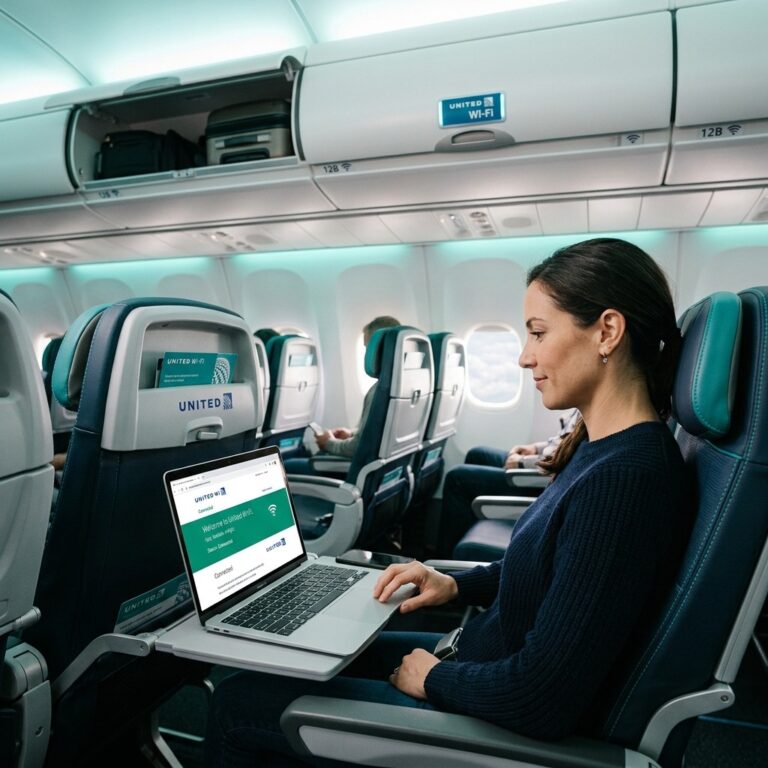
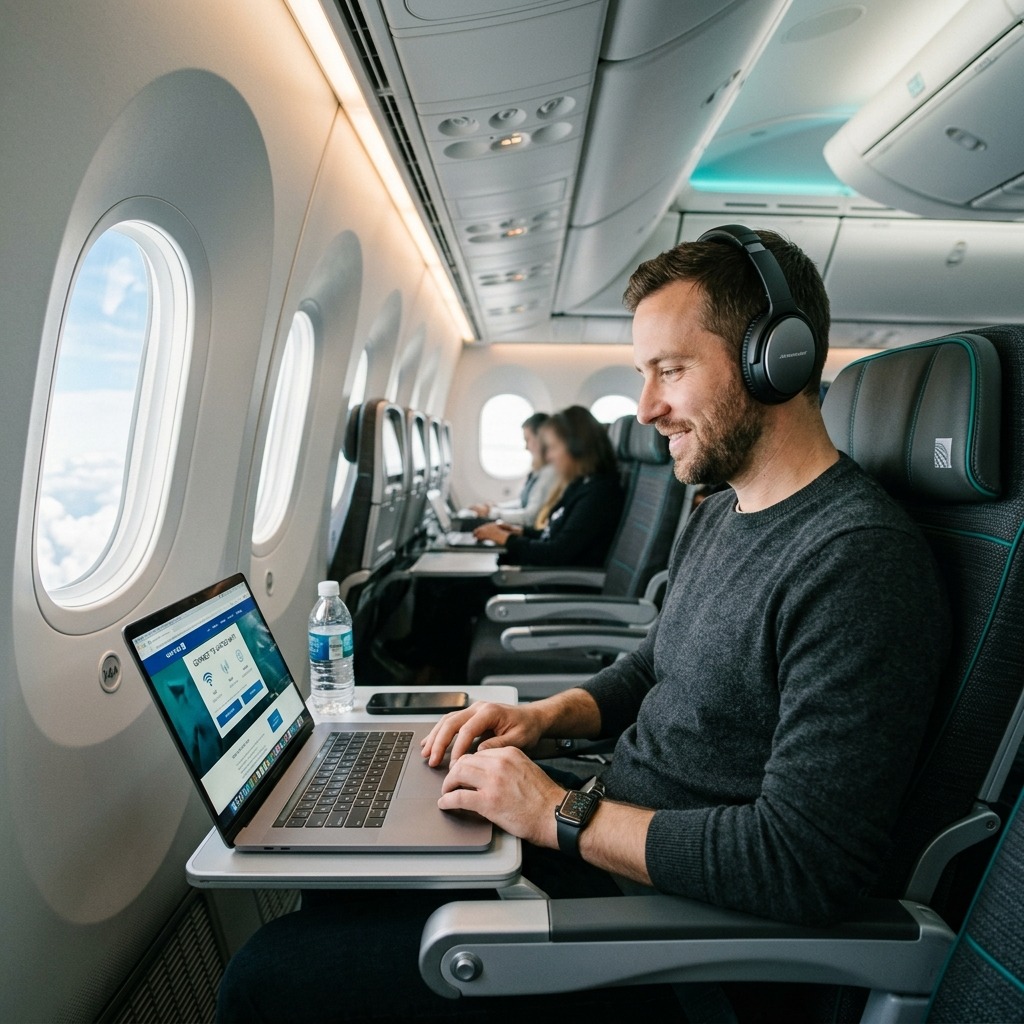
To connect to United Wi-Fi, turn on Airplane Mode, activate your device’s Wi-Fi, and select the “United_Wi-Fi” network. Open your preferred web browser and navigate to unitedwifi.com to view the portal. From there, you can purchase a pass or log in using your MileagePlus credentials.
For the best experience, always connect to the portal using a single device. United Wi-Fi locks your session to a specific MAC address.
How do I connect to inflight Wi-Fi using the United Wi-Fi app?
You can connect to inflight Wi-Fi directly through the United Wi-Fi app by downloading the United Airlines application before your flight. Once connected to the “United Wi-Fi” network, open the app, navigate to the Wi-Fi section, and use the in-app authentication to seamlessly apply your MileagePlus profile or subscription.
The United app bypasses browser-based captive portal errors. This is especially helpful if your laptop struggles with DNS issues.
What is gogoinflight?
Gogoinflight was a captive portal URL associated with Gogo, an older air-to-ground internet provider previously used by United Airlines and other carriers. United Airlines has since transitioned away from Gogo, upgrading its fleet to faster satellite providers like Panasonic, Thales, Viasat, and Starlink.
If your device automatically tries to load the old gogoinflight page, it will fail. Always type unitedwifi.com directly into your browser to force the correct modern portal to load.
United Wi-Fi by Panasonic
United Wi-Fi by Panasonic is a satellite-based internet service installed on select United Airlines widebody aircraft, primarily used for long-haul international routes. It provides consistent global coverage over oceans, though latency can occasionally cause slow page loads or buffering during heavy network congestion.
United Wi-Fi Providers Compared
|
Provider |
Typical Aircraft |
Best Used For |
|
Panasonic |
Boeing 777, 787 |
International web browsing, emails |
|
Viasat |
Airbus A319, Boeing 737 |
Domestic browsing, light streaming |
|
Thales |
Domestic messaging, basic browsing |
|
|
Starlink |
Regional jets, expanding fleet |
High-speed gaming, heavy streaming |
Is the United Wi-Fi day pass worth it?
A United Wi-Fi day pass is worth it if you have a connecting itinerary with multiple flights within a 24-hour period. Because the pass covers all United flights in that window, it saves you from paying the $8 or $10 connection fee on every single leg.
However, choose the individual flight option if you are taking a single, direct flight. Buying a day pass for a single two-hour flight provides no extra value and costs more than a standard single-flight purchase.
How to buy United Wi-Fi
You can buy United Wi-Fi onboard by connecting to unitedwifi.com and entering your credit card details or MileagePlus miles. Alternatively, you can pre-purchase a Wi-Fi day pass or monthly subscription through the United Airlines website before your trip to save time during the flight.
If you possess a United co-branded credit card (such as the United Explorer Card), use it to pay for your connection. According to NerdWallet [2026], cardholders receive a 25% statement credit on all inflight Wi-Fi purchases.
How to get free Wi-Fi on a flight?
To get free Wi-Fi on a flight, book an itinerary on a Starlink-equipped United aircraft and log in with your free MileagePlus account. Passengers can also get free Wi-Fi by flying airlines like Delta or JetBlue, which offer fleet-wide complimentary internet access to their frequent flyer members.
United Airlines Wi-Fi international limitations
United Airlines Wi-Fi international service provides connectivity across oceans using satellite providers like Panasonic. However, the internet may temporarily drop when the aircraft switches between satellite coverage zones, or when flying over specific countries that heavily regulate or block satellite internet signals.
If your international connection drops completely, take screenshots of your payment confirmation and the error screen. You can submit these via United’s customer care form after landing to request a refund.
Frequently Asked Questions
Can I use a VPN on United Wi-Fi?
Yes, you can use a Virtual Private Network (VPN) on United Wi-Fi. However, VPNs often cause the connection to drop briefly when the aircraft switches satellite towers, requiring you to manually reconnect or refresh your browser.
Do I get a refund if United Wi-Fi stops working?
Yes, United Airlines issues refunds if the Wi-Fi is entirely inoperable. The airline monitors connectivity and often issues automatic refunds, but you can also manually request a refund at united.com/refunds if the service drops significantly during your flight.
Can I share my United Wi-Fi connection with another device?
No, you cannot share a single United Wi-Fi purchase across multiple devices simultaneously. The portal locks your session to one device, though you can switch devices by visiting unitedwifi.com and selecting the “Switch device” option.
Why did my T-Mobile free Wi-Fi stop working on United?
T-Mobile officially ended its free Wi-Fi partnership with United Airlines and American Airlines in April 2026. T-Mobile customers must now purchase standard United Wi-Fi passes to access the internet.
Can I make video calls using United Wi-Fi?
No, United Airlines blocks Voice over Internet Protocol (VoIP) services. You cannot make voice or video calls using apps like Zoom, FaceTime, or Skype, even on high-speed Starlink-equipped aircraft, to prevent disturbing other passengers.
How do I use my United Wi-Fi subscription on a regional Express flight?
To use a subscription on a United Express flight, you must download the United app before departure. Connect to the Wi-Fi, open the app, generate an authentication code in your account security settings, and enter it into the browser portal.
Does United Wi-Fi support streaming Netflix or YouTube?
You can stream video easily on Starlink-equipped flights. On older Viasat or Panasonic-equipped planes, streaming may buffer heavily or be blocked entirely depending on network congestion and bandwidth limits.
Can I use MileagePlus miles to pay for a Wi-Fi subscription?
Yes, you can purchase a monthly North America subscription for 7,500 miles or a Global subscription for 10,500 miles. However, you cannot combine miles from different accounts to pay for a single subscription.
What happens to my Wi-Fi day pass if my flight is delayed?
If your flight is delayed by more than an hour, United automatically extends the 24-hour expiration window of your Wi-Fi day pass to accommodate the new schedule.
Does United offer annual Wi-Fi subscriptions?
No, United Airlines officially discontinued its annual Wi-Fi subscription option on May 15, 2025. Frequent flyers must now rely on month-to-month subscription plans.

Muhammad Naeem is a travel researcher with 5+ years of experience analyzing airline rules and global travel regulations. He specializes in simplifying complex airline policies to help travelers avoid extra fees and fly with confidence. His work focuses on accuracy, clarity, and up to date information across international carriers.